
Barrier-free
Two-sense emergency call

Emergency call with second, visual communication channel for trapped persons:

  • Unlimited languages
  • Free chat & predefined text blocks possible
  • From 2025: sign language avatar
  • Optional: Video connection
  • Compatible with all common emergency call systems & control centers
  • For elevators & buildings

How it works:
When an emergency call is triggered, the messenger is automatically activated on the display. First, a voice connection to the emergency call center is established via the conventional emergency call system. If there is no voice communication, the emergency call center switches to text chat. It can send questions to the display, which can be answered using external buttons or the touch screen. If there is no response here either, the emergency call center can activate a camera (optional).
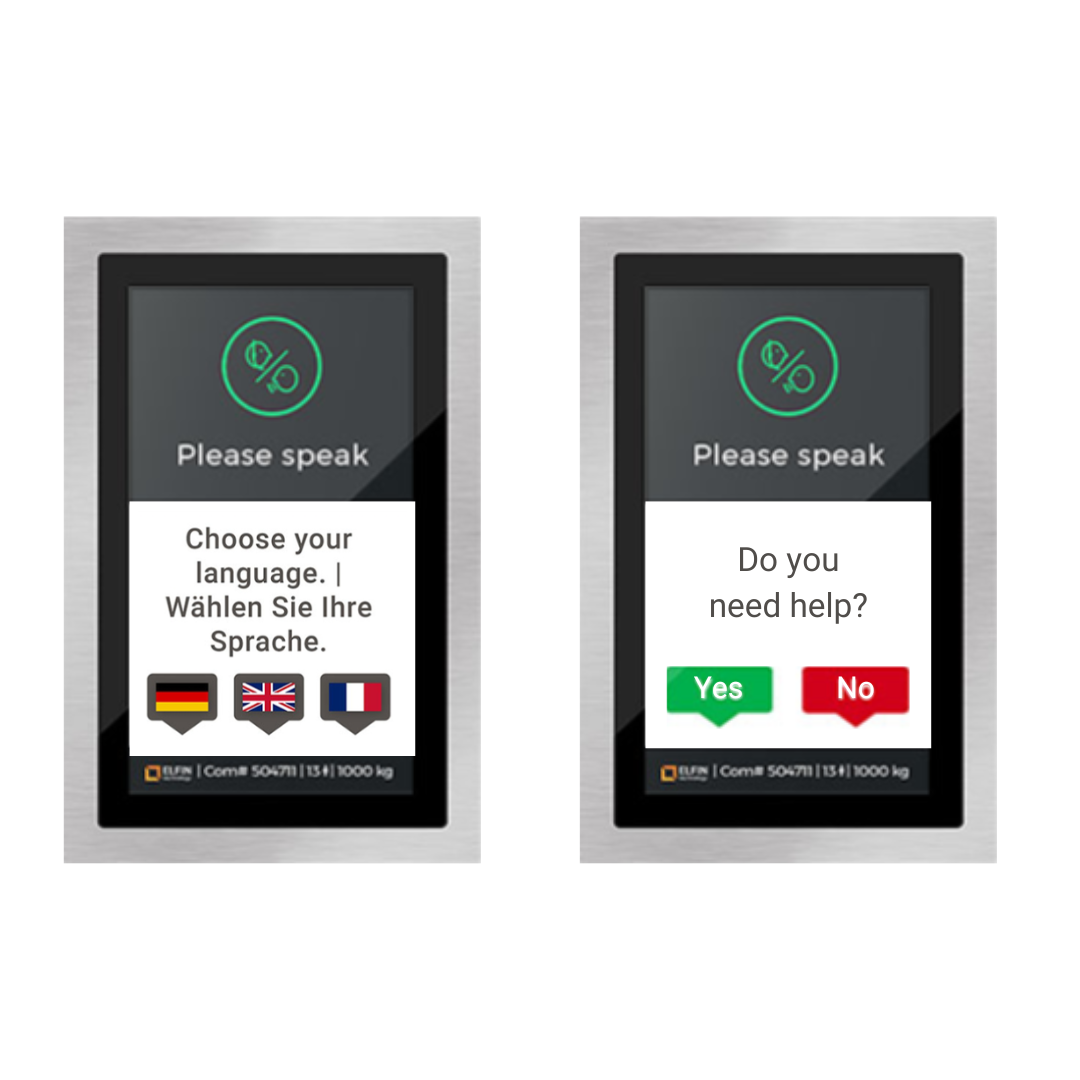
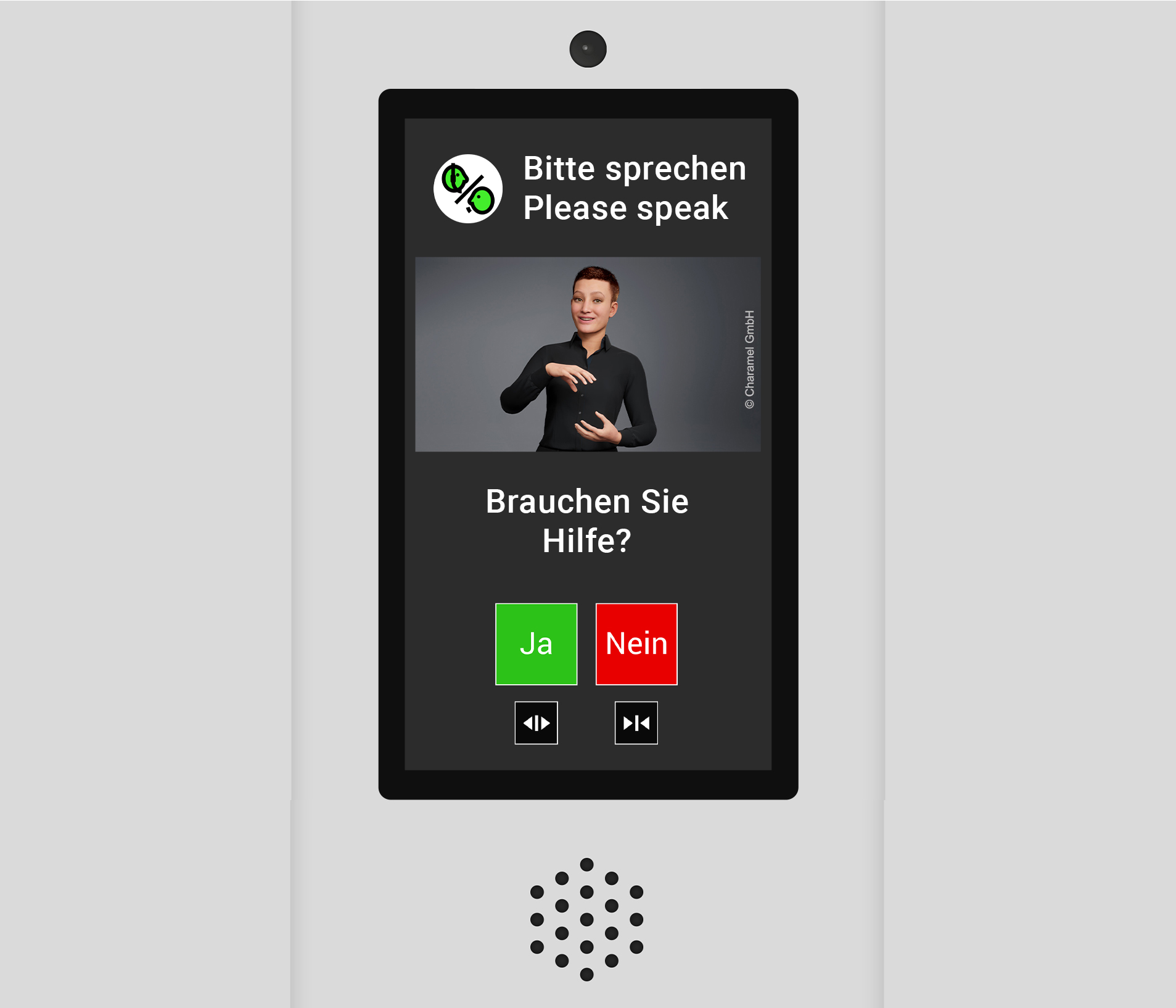
flexyPage® Messenger: Barrier-free emergency call

Multilingual 2-senses emergency call
Users of elevators and buildings speak many different languages, which flexyPage Messenger supports without limitation. They can be defined by the emergency call center for each device. When establishing a connection, the user can select their preferred language. In addition to predefined text blocks, the messenger also offers the option of automatic translation.

Text blocks and free chatting
flexyPage Messenger allows you to send free texts to those included, just like a text messenger app. In addition, the messenger enables the sending of possible answers, which the user can simply select or confirm. Text blocks including the possible responses can also be predefined in the control center.

Sign language avatar for complete accessibility
2025 we will integrate sign language into flexyPage Messenger – in future even bidirectionally, in conjunction with smart ELFIN®VISION sensors. The use of sign language will enable deaf people to communicate fully.

Video connection for emergencies
The displays can optionally be equipped with a camera that can only be activated from the control center in the event of an emergency. This enables the control center to quickly obtain an exact picture of the trapped person or person seeking help and to quickly initiate the correct assistance measures.

Compatible with
all common emergency call devices & control centers

Multilingual – unlimited number of languages

Remote configuration

Freely configurable
text messages

Optional
with camera connection

Signalization of the connection setup
After an emergency call has been triggered, the acoustic emergency call devices establish a connection to the control center and identify themselves there. flexyPage displays can clearly show the status of the connection setup with animated graphics and texts.

Logging and data backup
The seamless logging of the processing of emergency calls in the control centers is important in connection with the emergency call. flexyPage Messenger logs all events with status, question, answer and time stamp for later traceability. The logs can be exported and professionally backed up.

Emergency call center, SaaS or local network
Communication between the displays and the control center takes place exclusively via web-based protocols. You can connect your elevators to various emergency call centers with the 2SC, use our messenger service as SaaS or operate your own messenger server in your local network.

Uncomplicated switch to a new call center
If your maintenance contract has changed or expires, you can easily and simply link flexyPage Messenger to a new call center by changing the URL.

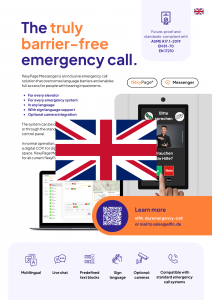
Two-senses emergency call product brochure - screenshot

Alle Informationen im Überblick

jetzt downloaden!

Contact us for advice on the topic of two-sense emergency call

ELFIN Technology GmbH

+49 221 6778932-0
service@elfin.de

This contact form is deactivated because you refused to accept Google reCaptcha service which is necessary to validate any messages sent by the form.

Copyright © 2026 ELFIN Technology GmbH. All rights reserved.