Digital Navigation.

Administration & office buildings

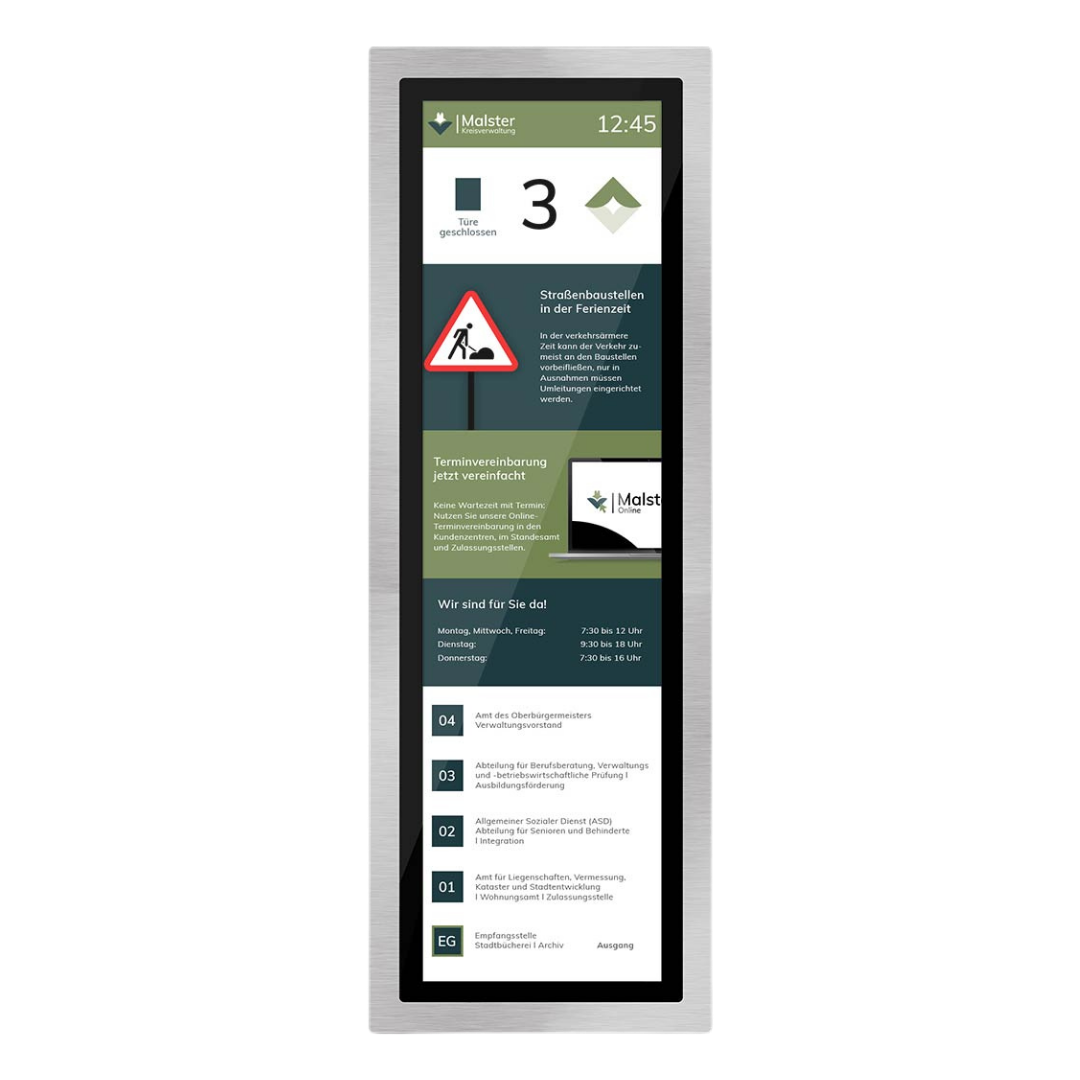
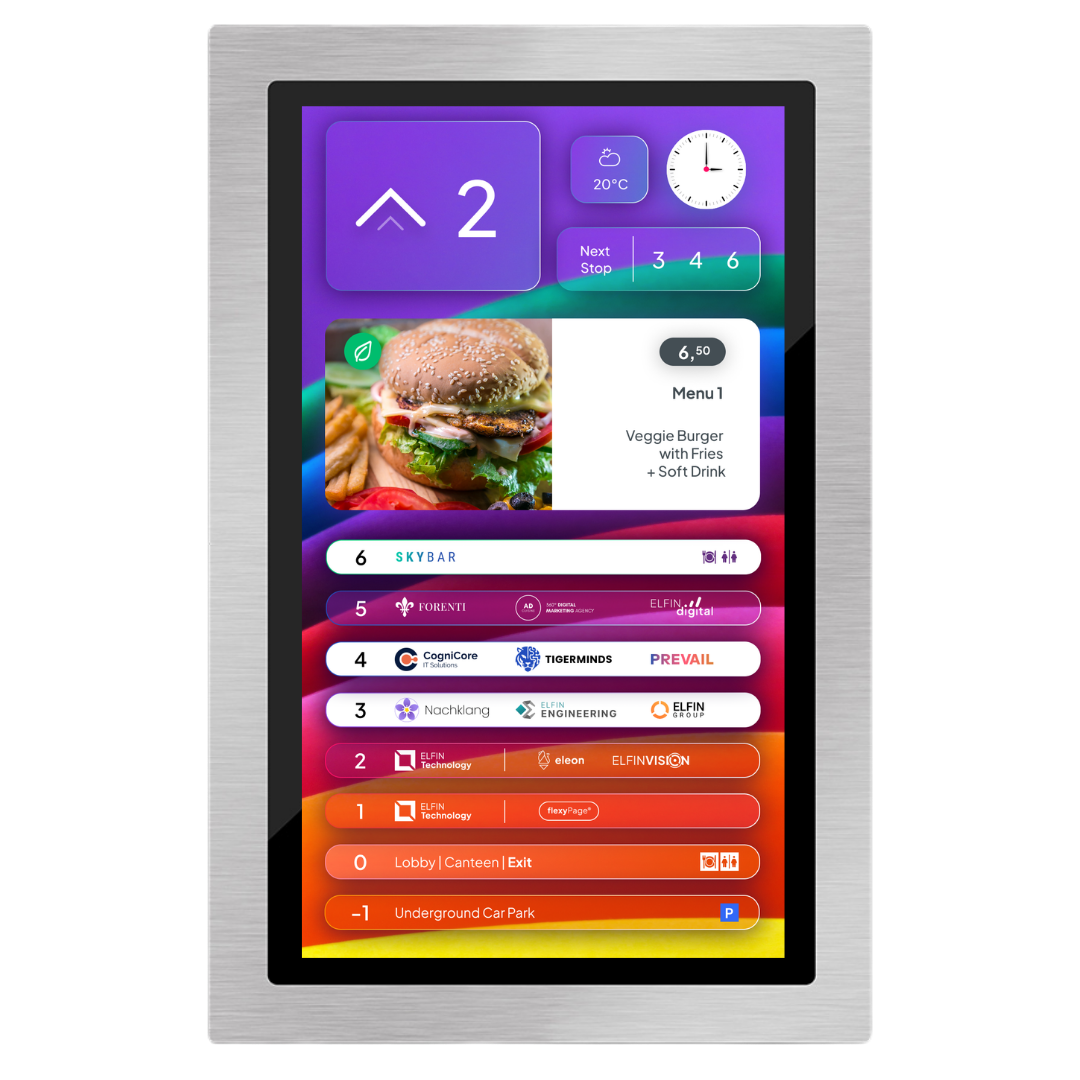
Our solutions enhance efficiency & user-friendliness in administration & office buildings. They ensure a modern and elegant delivery of information such as directories, news, weather updates, and cafeteria menus. In administration buildings, they can be used to inform visitors about waiting times, floor plans or contact person and similar tasks. The content can be stored in multiple languages and accessed by visitors as needed.

  • Real-time multimedia content
  • For all elevators & buildings
  • Intuitive remote content management
  • In your corporate design

Examples of our solutions for administration and office buildings

People Flow & Visitor Information

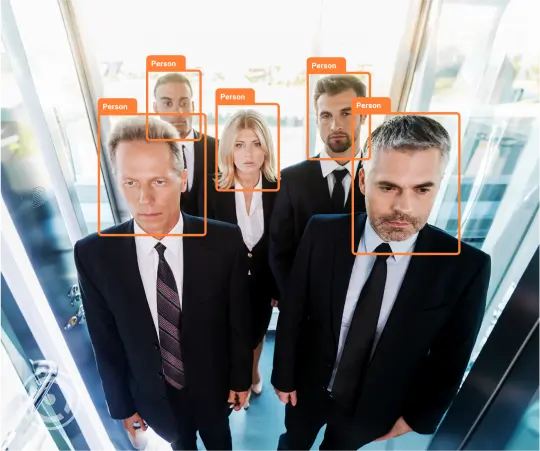
Our AI-based sensor solutions can detect congestion in front of elevators and help to prevent this. The elevator controller can be optimised dynamically based on the current situation, helping to move larger groups of people from specific floors as quickly and efficiently as possible.

In combination with the sensors and an appropriately adapted elevator control system, flexyPage displays help keep users informed about the current situation, the best route to take, or the behaviour expected of them. This helps everyone reach their destination not only more safely, but also faster and, above all, with greater satisfaction.

Our ELFINVISION sensors and flexyPage displays turn any elevator into an intelligent mobility partner tailored precisely to your building and its users.

Tenant & Visitor Communication

Signs and notices are primarily intended to help users find their way around a building. They can guide people to specific destinations, provide directions, or communicate important information clearly.

The problem: Information changes, and what is correct today may already be outdated tomorrow. When this affects wayfinding, it can quickly lead to confusion or even chaos, especially in buildings with high visitor traffic.

The solution: Multimedia displays that can be easily adapted and updated either locally or remotely. No more outdated notices or incorrect directions. You can update all content yourself at any time or create sub-accounts and grant other users permission to manage specific content.
Whether evacuation plans, building navigation, current information, or the daily lunch menu in the cafeteria: flexyPage displays can present a wide range of content in a flexible way. Content can be scheduled, triggered by specific events, or linked to the elevator control system – depending on your individual application.

Digital Company & Floor Directory

Tenants – whether companies or persons – come and go.

The proble : Whenever the occupancy of a floor changes, the corresponding information and signage – such as tenant or floor directories – also need to be updated. Otherwise, especially in larger buildings, confusion can arise quickly. Signage and directories inside and in front of elevators need to be particularly accurate and up to date, as outdated or incorrect information can lead to unnecessary detours and unhappy users or visitors. However, keeping all directories current after tenant changes or relocations can seem like a considerable amount of work.

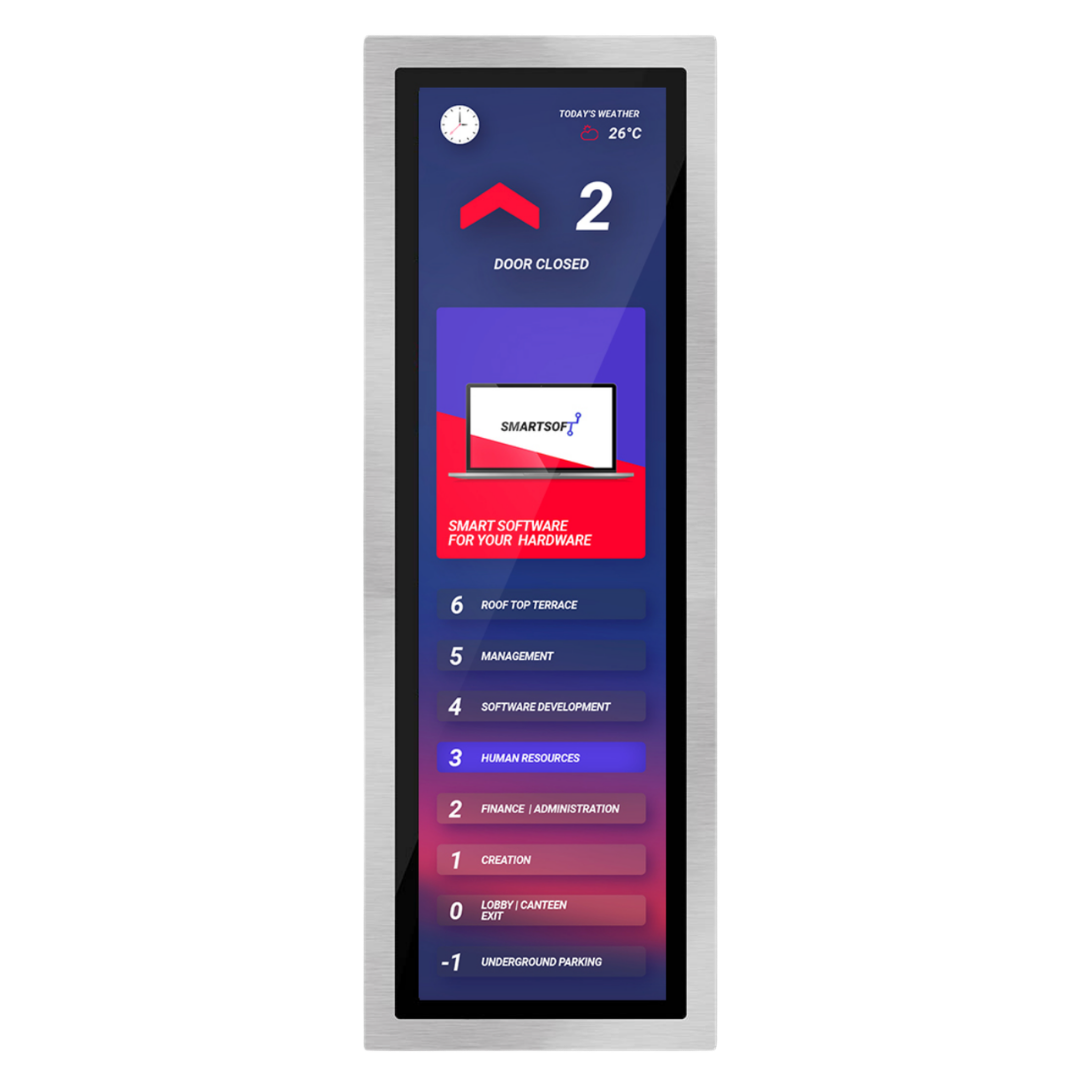
The solution: flexyPage displays are ideal for use inside elevator cabins or in front of elevators, providing visitors with a modern and stylish overview of residents, companies, and tenants on each floor. This is particularly useful in buildings with frequent tenant changes, as tenant information and floor assignments can be updated easily via the internet.

In addition, the displays can be used for countless other functions – for example as part of a two-sense emergency communication system or to show useful and entertaining content such as weather information or public transport schedules.

Use your digital floor directory as a digital COP.

Digital Cabin Panels

The touch function of the flexyPage DM-Line displays allows them to function as digital cabin control panels. The stretched displays of the DM-Line (29" and 38") are particularly suitable for this application. The special design of the stretched displays makes perfect use of the space in the slats of the elevator cabin and can be used as a digital cabin control panel in accordance with DIN EN 81-20/50.

Access Control & Misuse Prevention

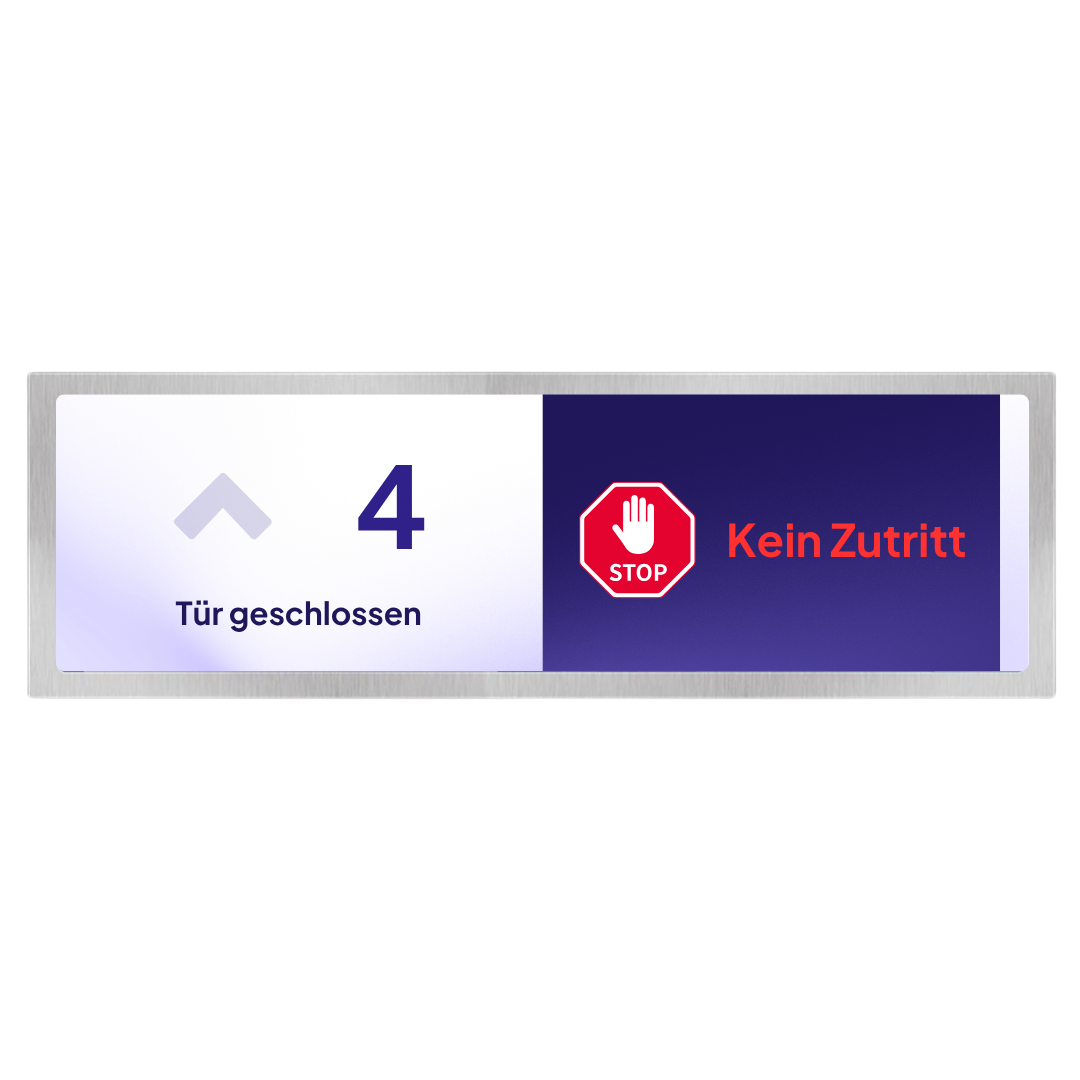
The ELFINVISION Doorman enables intelligent access control for elevators. Using sensors and Al-supported technology, specific objects such as wire mesh warehouse cages can be reliably detected and blocked from using the elevator. Based on this detection, authorized objects, such as laundry or cleaning carts, can be automatically recognized and granted access. This not only optimizes operational processes but also helps prevent misuse or unintended use of elevators. As a result, the solution helps avoid damage to the elevator interior and contributes to long-term operational safety.

Destination dispatch

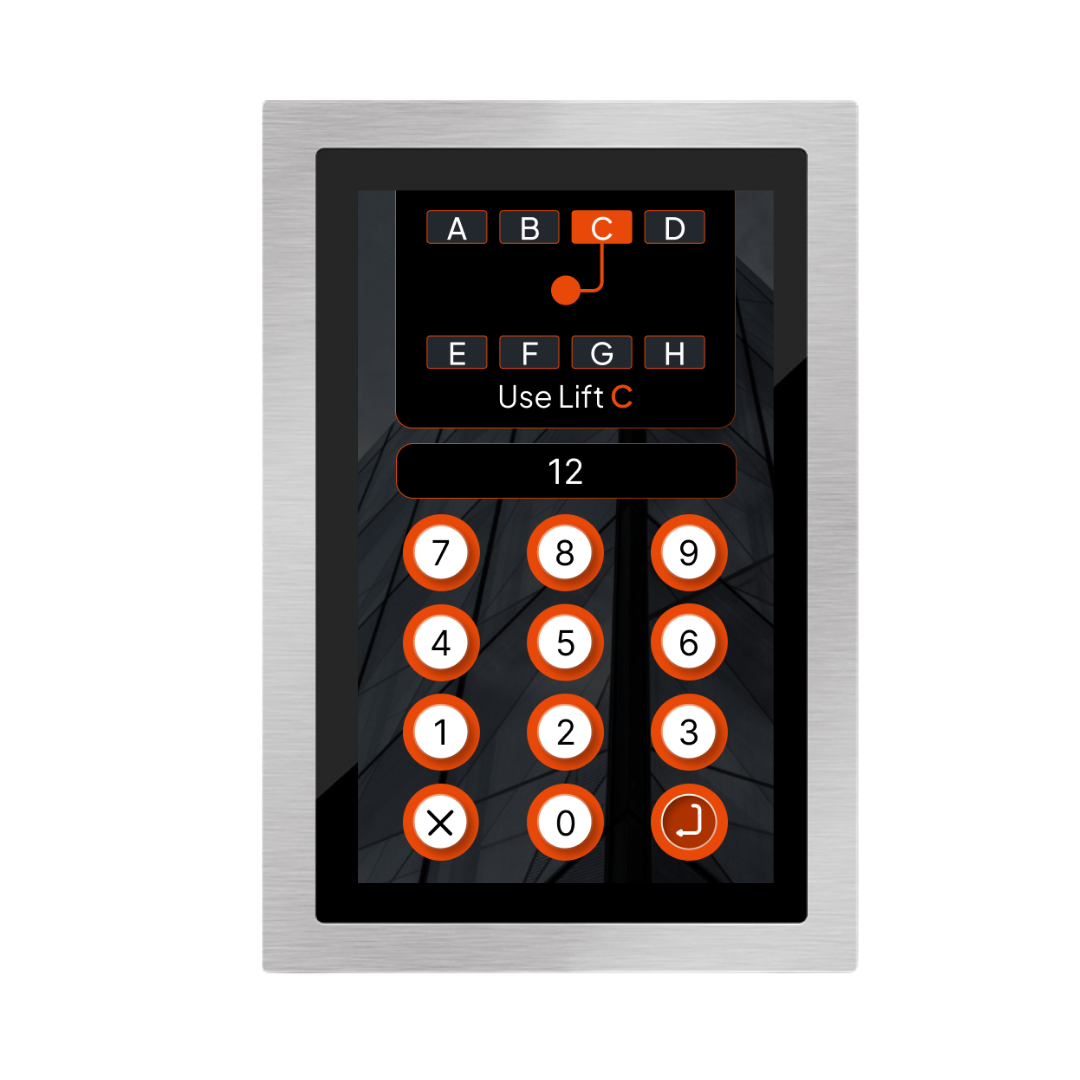
The flexyPage touch displays of the DM-Line can be used in front of elevators for the input of destination calls in the floors of a building. The elevator users select the desired destination floor via the touch display before entering the elevator. The destination call system then visually or acoustically assigns passengers elevators for the quickest route to the appropriate floor

Two-senses Emergency Communication

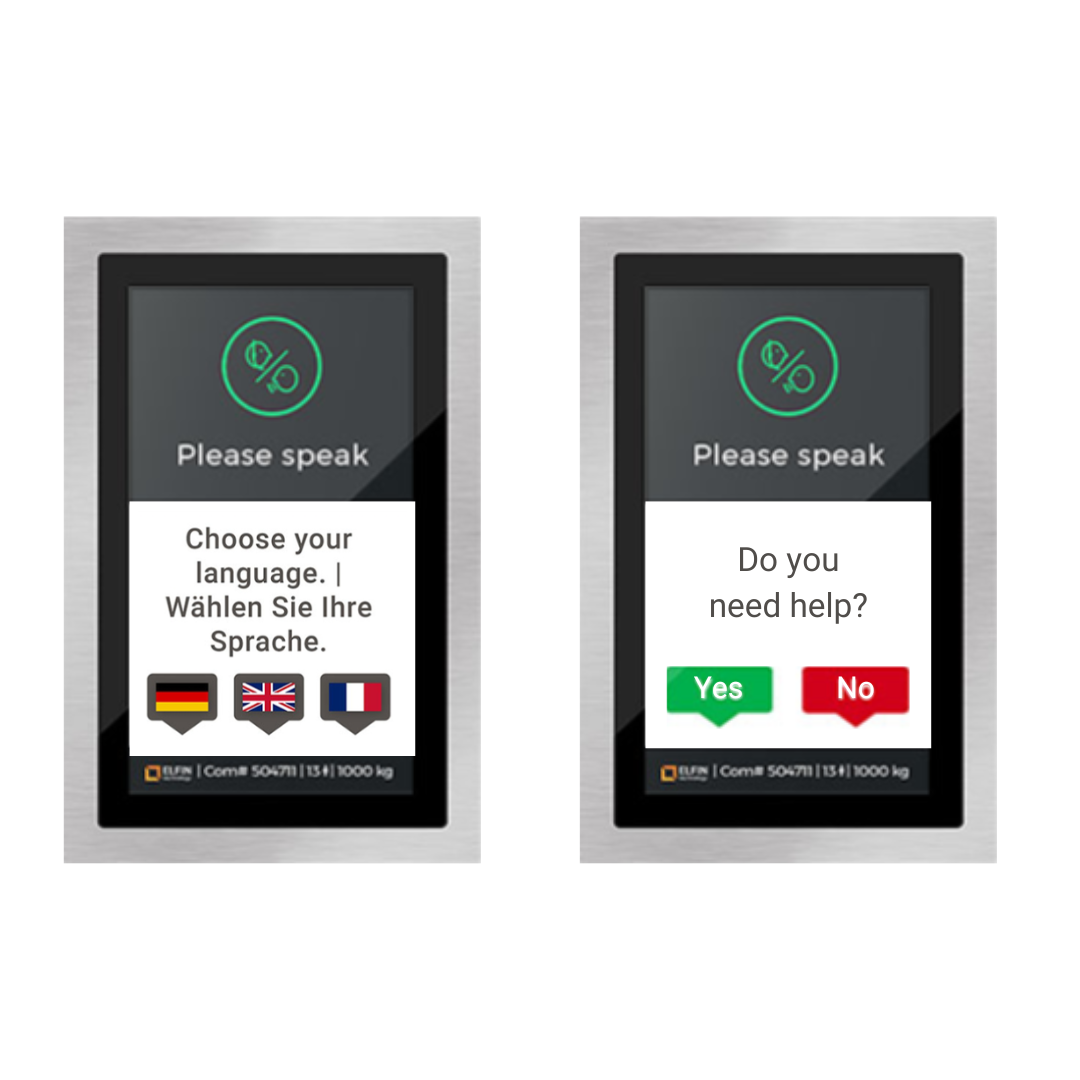
With flexyPage Messenger, we offer a compliant visual communication channel on flexyPage smart displays for hearing-impaired and mute people during an emergency. Integrated with standard audible emergency call devices, it enables text-based interaction between trapped people and emergency responders. This feature supports multiple languages and therefore provides a communication channel with the emergency call center for people who do not speak the local language. The two-senses emergency call can optionally be supplemented with a video connection.

Emergency rescue

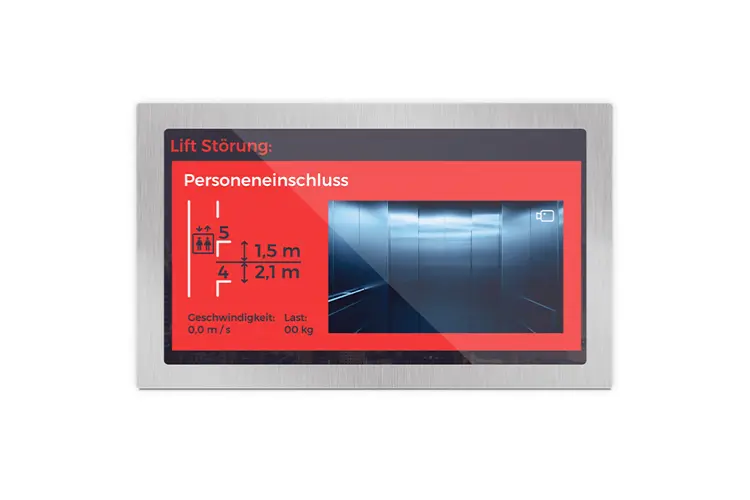
In case of fire or elevator malfunction with locked persons, the flexyPage displays can show the fire department or service personnel the exact position of the elevator cabin. The data are read out via the position sensor and the load sensor of the lift, which is connected to the display. Thus, the relief personnel can see on the display directly on reaching the rescue floor, between which floors the cabin is located and perform the exemptions so faster and more effective.

In the floors that are not the main exit, the floor displays can not be used for the display of the message 'Fire - Lift!' and the evacuation plans are used.

Evacuation Elevators

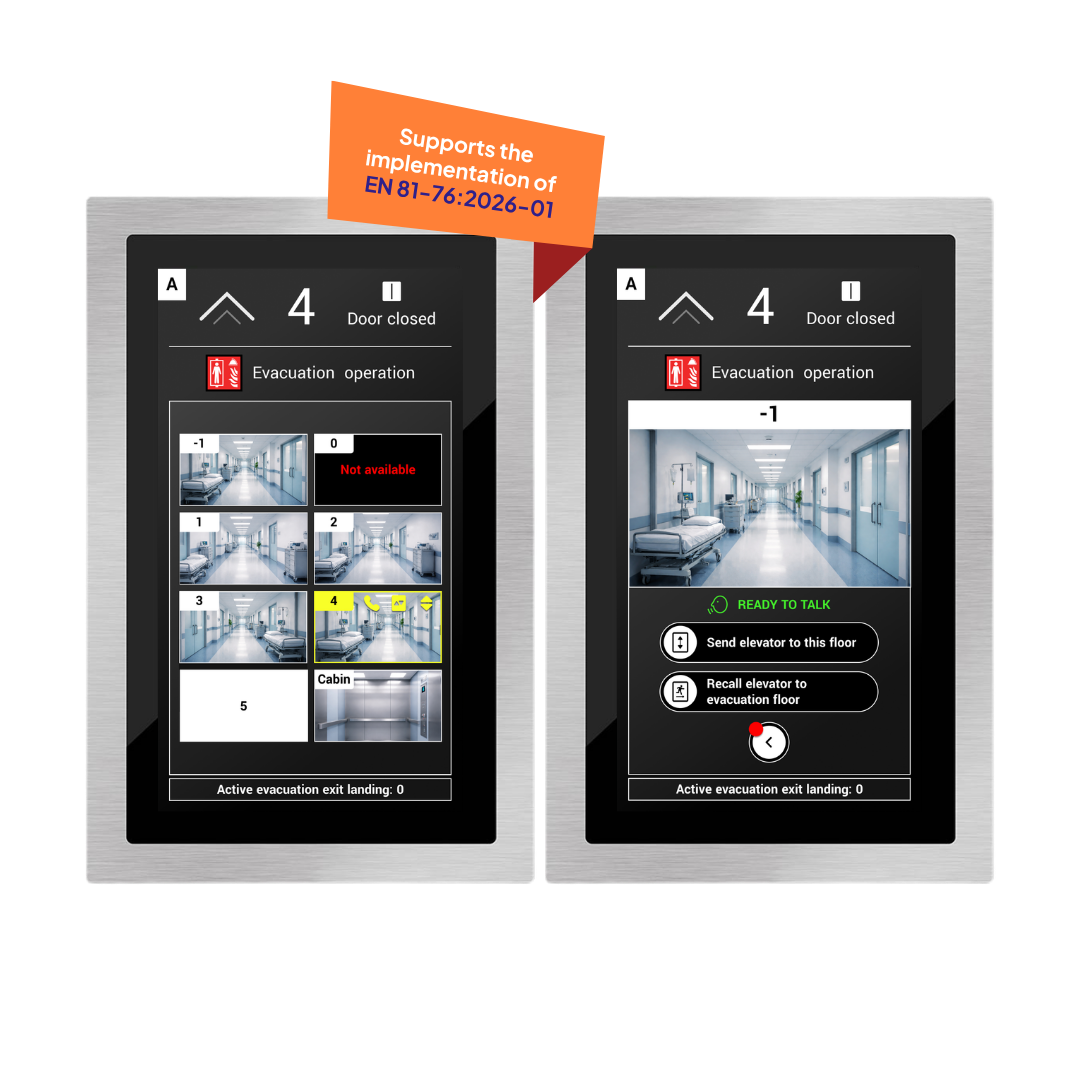
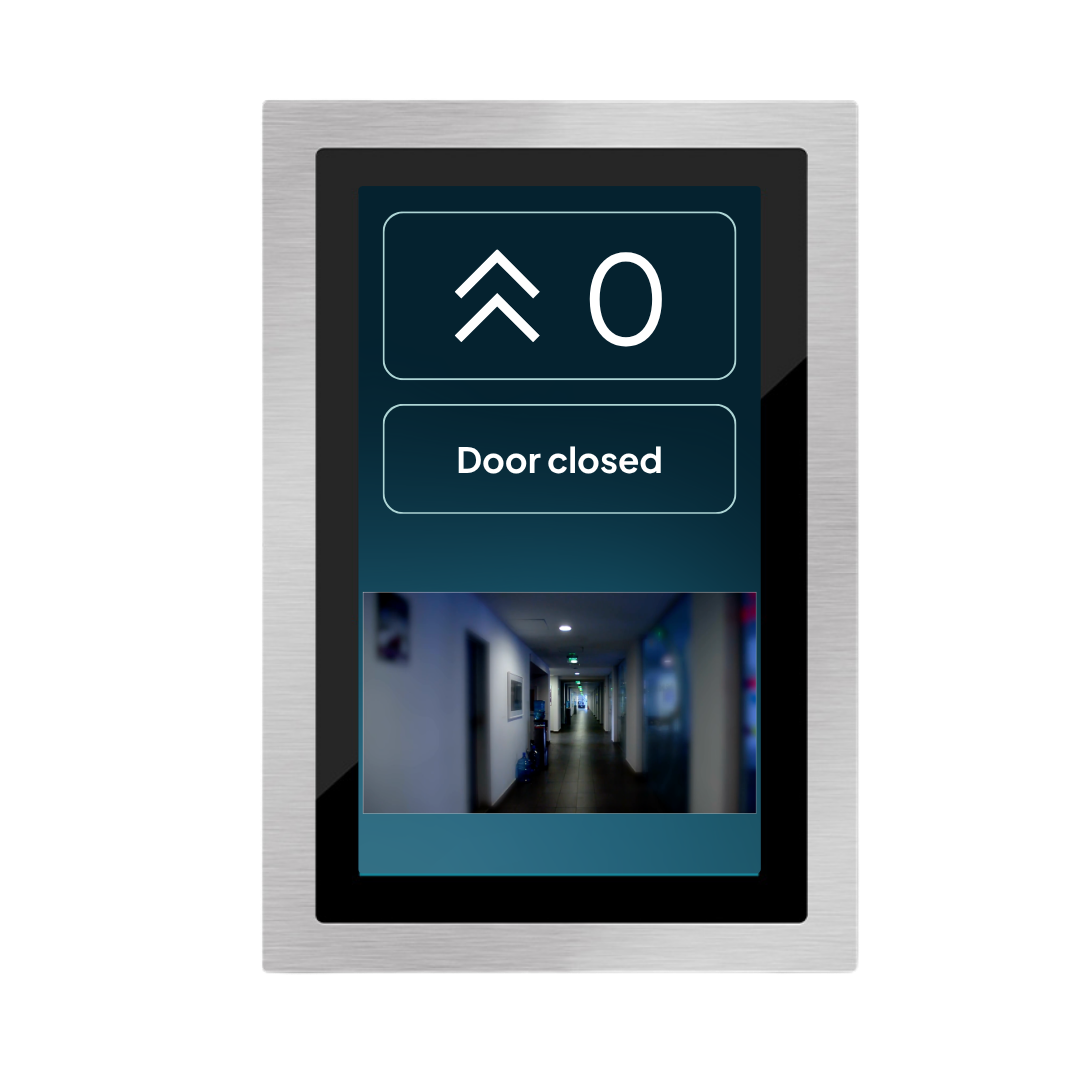
VideoEvac is specifically designed for use in evacuation elevators. Video feeds from building floors provide a more accurate situational assessment:

  • Overview of all floors
  • Intuitive operation and floor selection
  • Clear status indications in evacuation mode
  • Seamless integration into existing fire safety and control systems

Firefighter Elevators

The flexyPage lift displays can be used in conjunction with network cameras to dynamically display the situation in the elevator or in the floors in case of fire and fire. In firefighting operations, the displays offer the rescuers many advantages. As a floor display in the rescue floor, they provide a view of the cabin, the arrival of rescue workers and during the release or the deletion. Used in the elevator car, the firefighters can observe the situation in the vestibule of the elevator in the individual floors during the journey on the car display in the elevator and thus quickly recognize whether there are people. There is smoke or fire on one of the floors before the floor is approached and the doors open. The solution can be used to replace the windows in the lift doors.

Digital Window

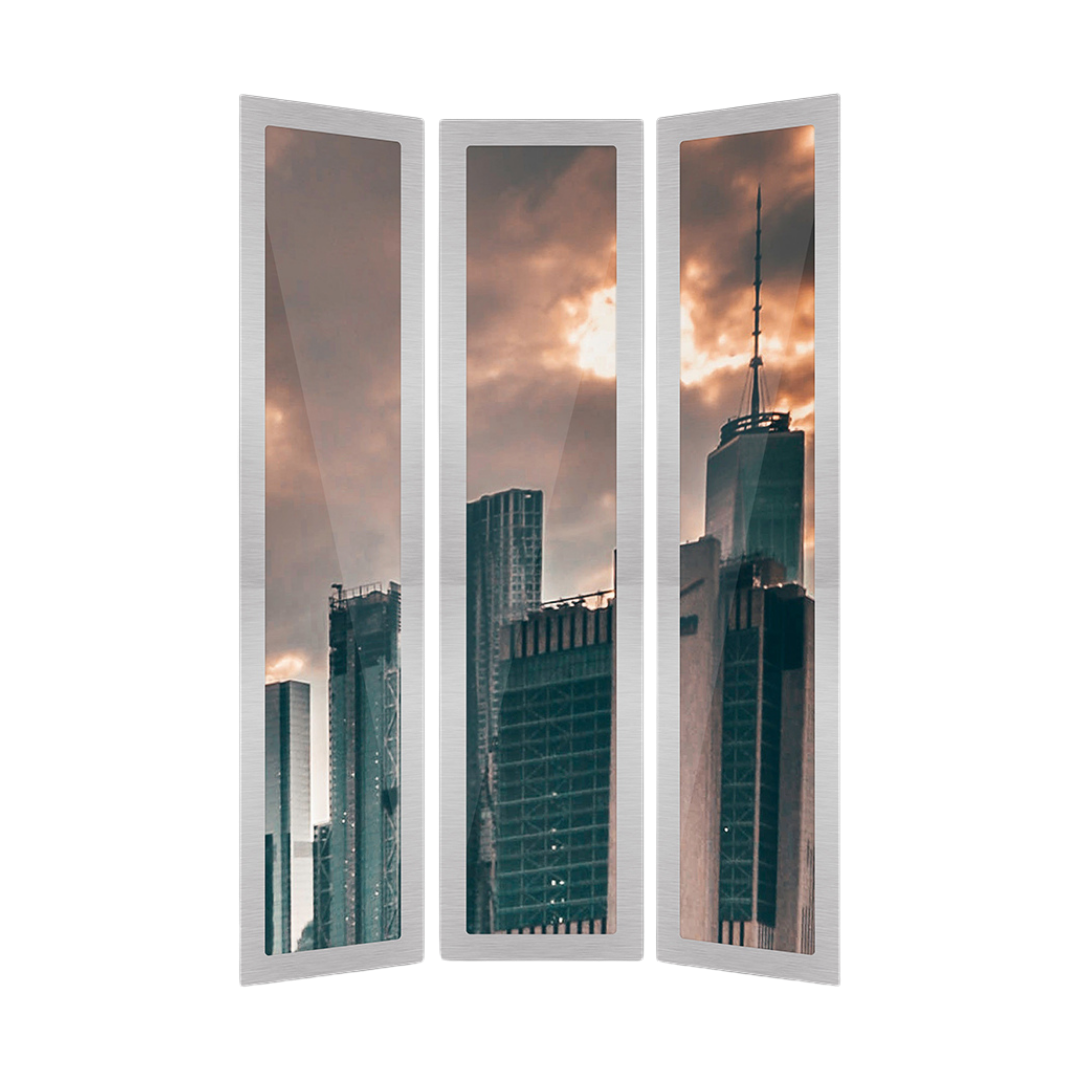
The "digital window" application in an elevator is created when a video is displayed based on the position of the elevator car, giving the impression of looking out of a window. After loading the desired video, it is indexed after a learning ride to the top and bottom floors. The video is displayed in real-time according to the position, direction of travel, and speed of the elevator on the screen. Special positioning sensors provide the necessary data and can also be retrofitted. The flexyPage controller evaluates the position data every 10 ms and provides it to the video controller to select the correct video frame.

Car position in tall buildings

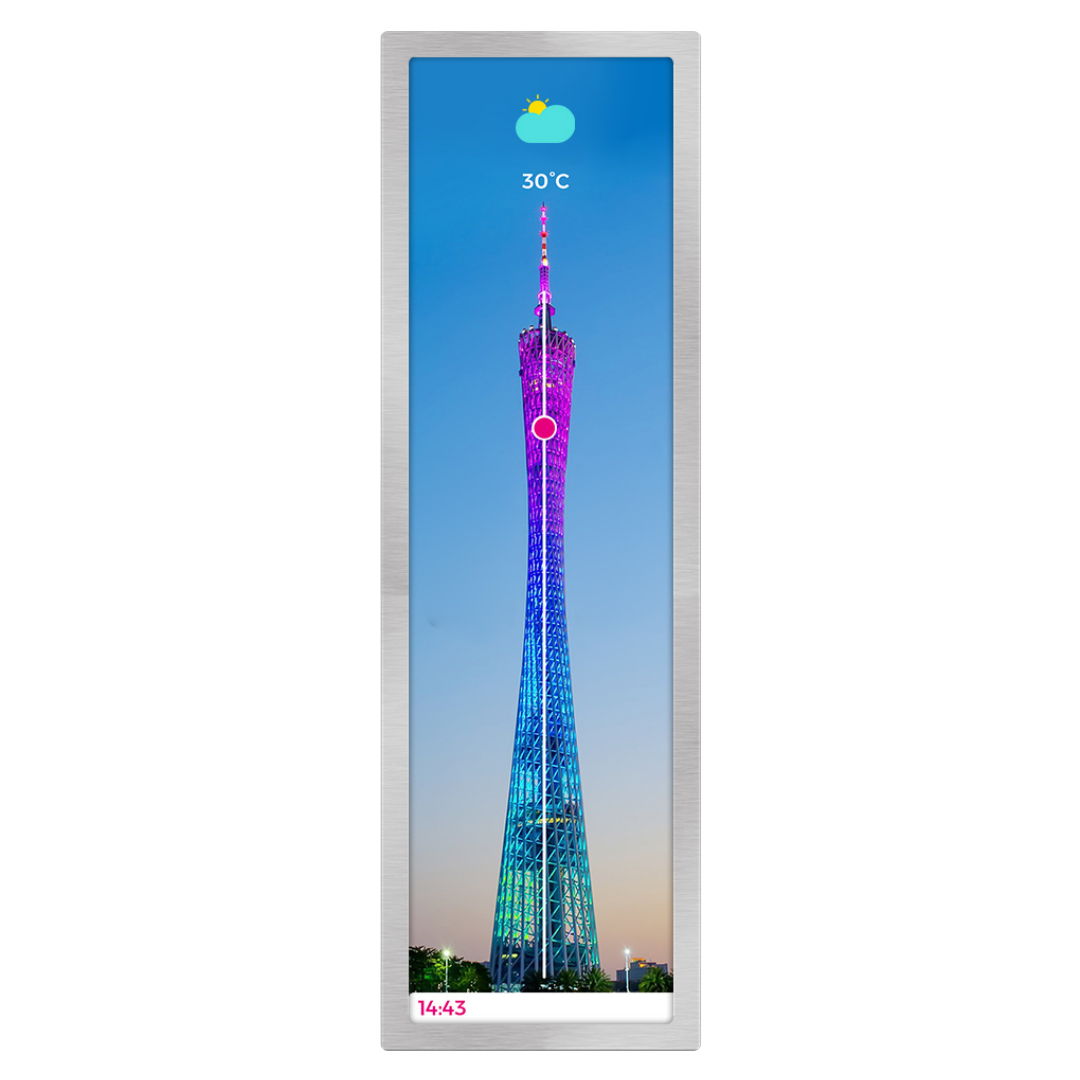
The flexyPage stretched displays with their special aspect ratios are particularly suitable for dynamically displaying the position of the car in a tall building, such as a TV tower.

The widget FloorIndicator [bar] displays the elevator car in the form of a graphic that is linearly moved in a bar depending on the position of the car. The impressive combination of an extraordinary display and an animation makes your lift, whether in the waiting area in front of the lifts or in the cabin, an eye-catcher.

Our Products

flexyPage

Smart Multimedia Displays

  • Suitable for buildings and elevators
  • 7-65 inch with/without touch & special formats
  • Easy to install & retrofit
  • No external controller required
  • Compatible with all common systems
  • High-quality workmanship
  • Energy-saving mobile processor & LED backlights that can be switched off
  • Customizable to your corporate design

ELFINVISION

Smart Sensor Technology

  • Self-sufficient system without cloud connection
  • Open interface to control & higher-level systems
  • GDPR-compliant
  • Detects movements, people and objects
  • Reliable in changing light conditions
  • Works in tight spaces
  • Works from different angles
  • Detects reflections

Contact us

ELFIN Technology GmbH

+49 221 6778932-0
 service@elfin.de

This contact form is deactivated because you refused to accept Google reCaptcha service which is necessary to validate any messages sent by the form.

Copyright © 2026 ELFIN Technology GmbH. All rights reserved.