
Would you like to install a flexyPage display inside the elevator car but are still unsure which display line and size are best suited to your needs? Or are you planning to place a display on the landing or in front of the elevator?
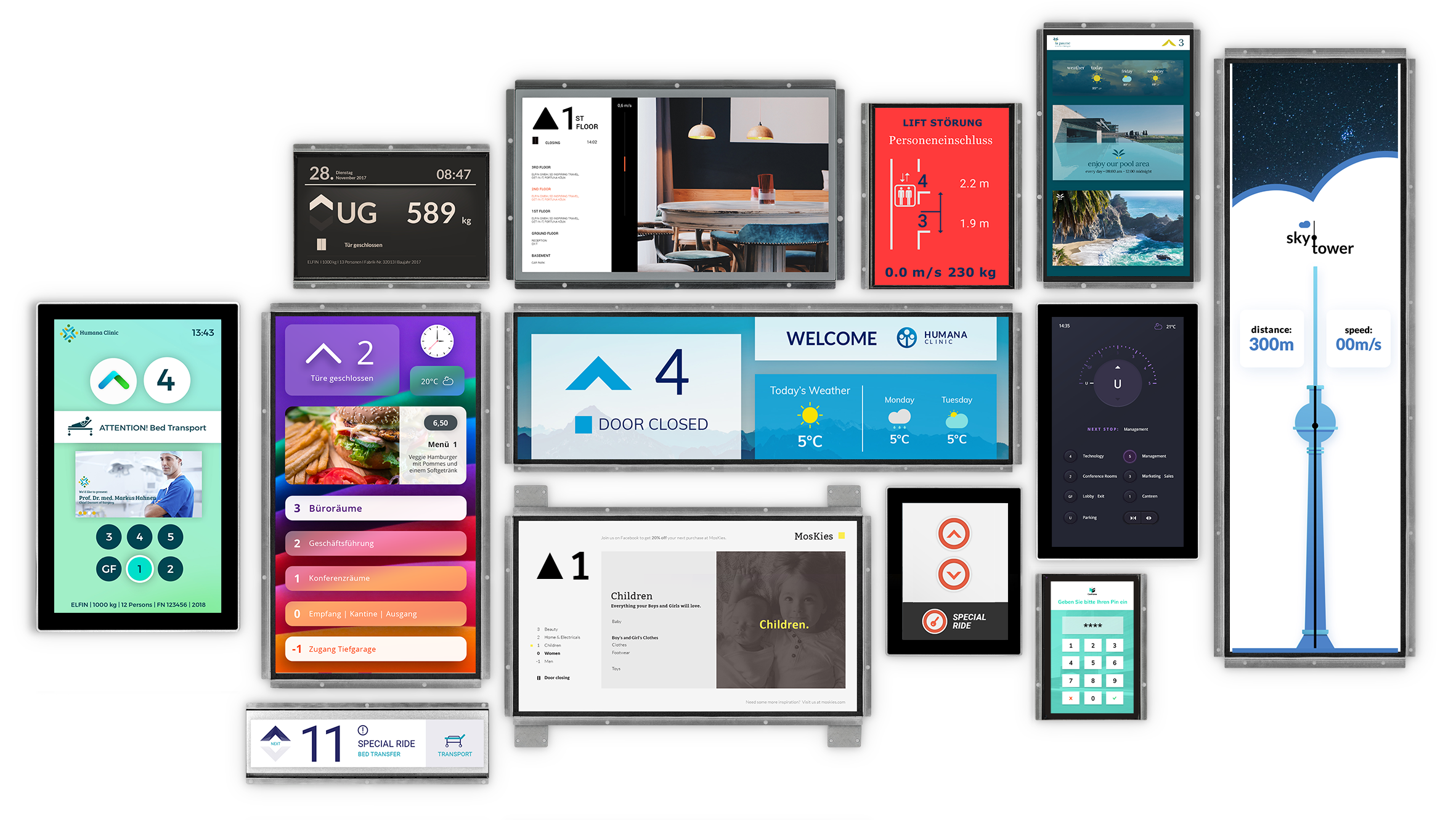
In this article, we explain which display lines are suitable for the different areas of application. Clear illustrations will help you better assess the various display sizes and proportions.
Floor Displays
On the floors, the flexyPage displays can display lift information like “continue to travel” and an unlimited number of special texts. The DM-Line Touch-Displays can also be used as a floor call button or as an input display for destination dispatch. In addition to use in elevators, the displays are often used for the presentation of tenant directories or for the presentation of building-specific advertising, which must be updated regularly. For surface mounting above the doors, suitable surface-mounted housings are available.
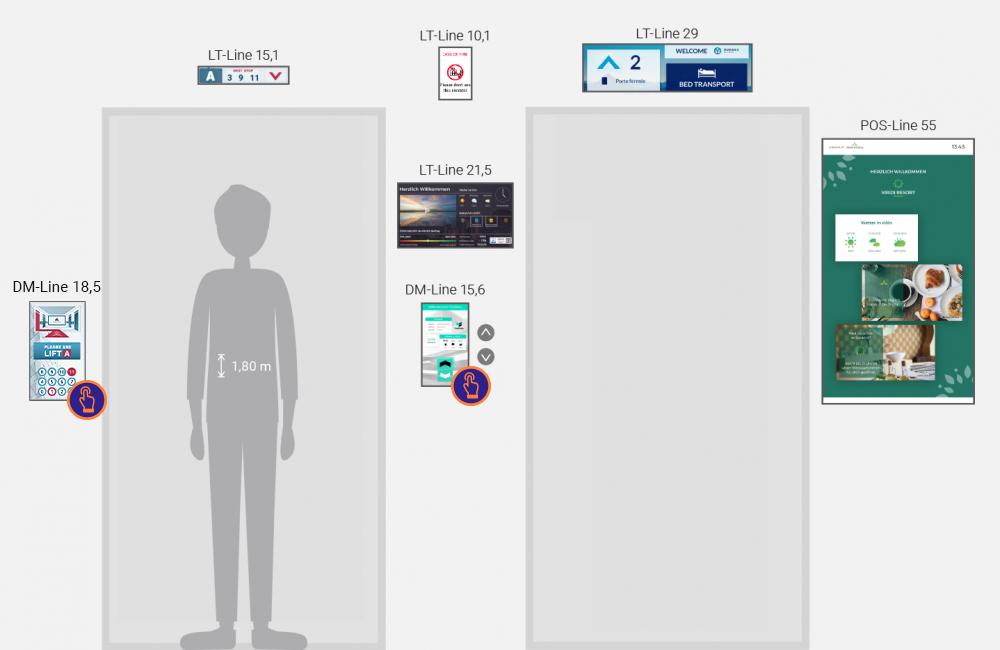
Special cases in the floors
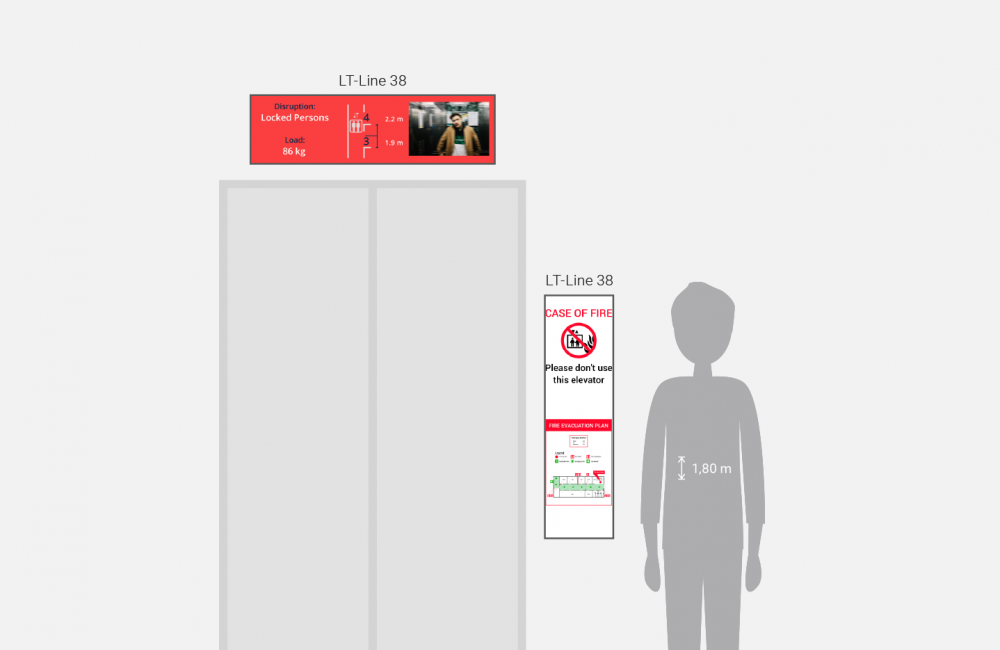
The flexyPage displays are often displaying special signals in special cases, such as evacuation plans in the event of a fire, video streams and elevator location in the event of faults with trapped persons, information about imminent or ongoing maintenance.
Lift Displays
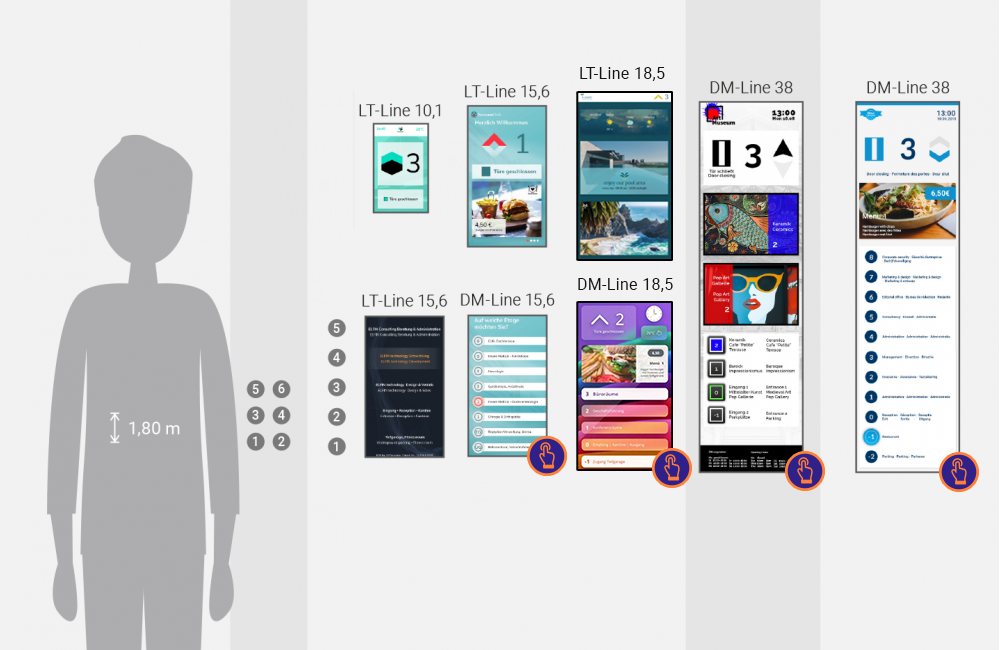
In the elevator car, the flexyPage displays can be mounted in the COP in combination with the call buttons. The touch displays of the DM-Line can also be used as call buttons.
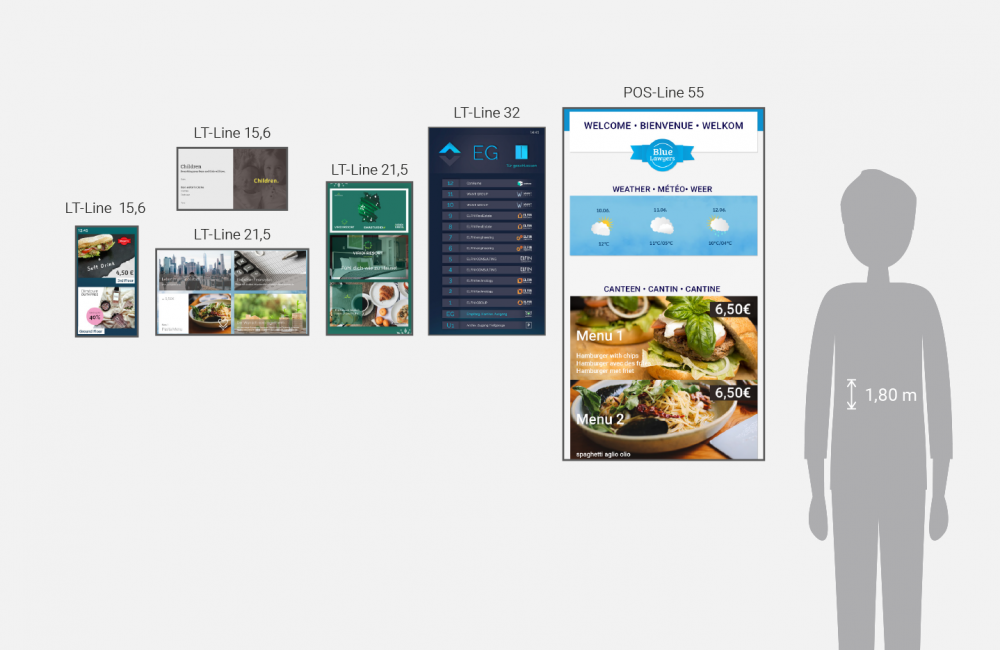
For supplementing a COP a display is often used in the back wall or sidewall of the elevator car. It shows off the tenant directory or building-specific advertising, which must be updated regularly. The contents can be controlled dynamically depending on lift signals, floor level, direction signal or special conditions, such as fire or overload.
Get to know the flexyPage Suite